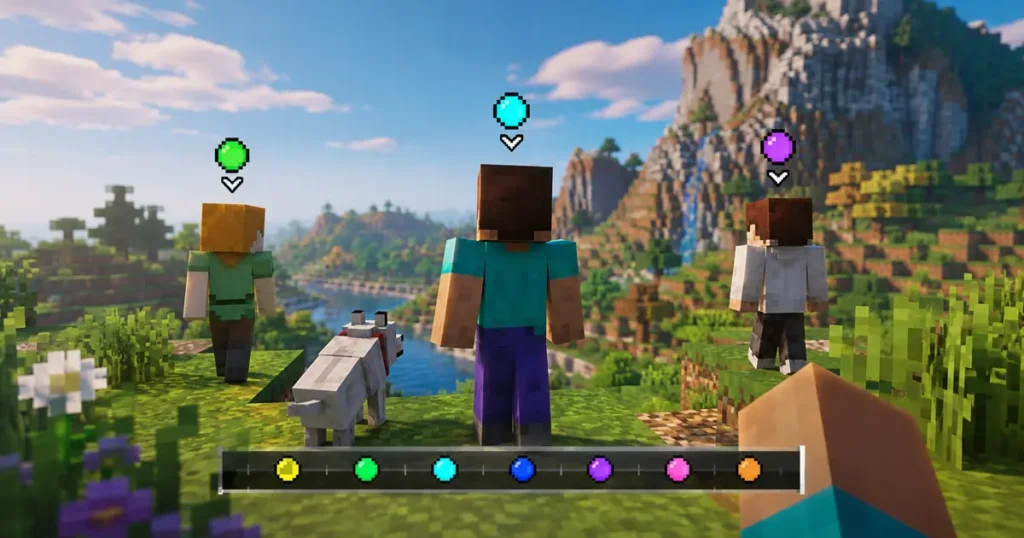

That colored dot next to your name on the Locator Bar isn’t random. It’s calculated from your Minecraft account, and you can look it up in seconds using a free color finder tool. You can even find other players who ended up with the exact same shade as you, thanks to a community-built lookup tool.
Here’s how to find your color, how the game actually generates it, and why running into a “color twin” happens way more often than you’d expect.
What Is the Minecraft Locator Bar?
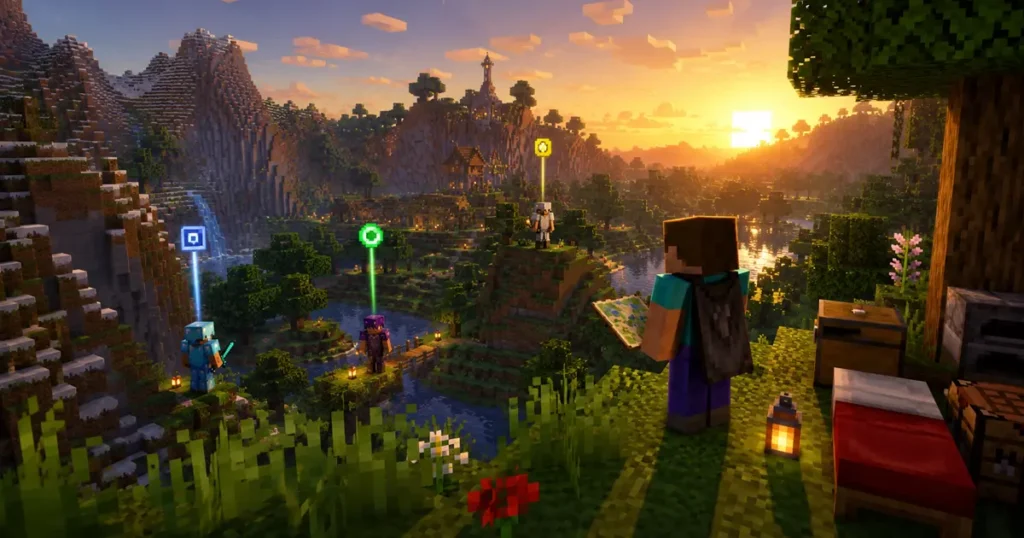
The Locator Bar is a HUD feature that shows nearby players as colored icons on your screen. It replaced the XP bar visually, sliding into that same strip near the bottom of your display whenever other players are around.
Mojang added it to Java Edition in update 1.21.6 and to Bedrock Edition in 1.21.90. Each icon points toward a player’s real position, and an arrow appears if they’re above or below your current view.
The bar reads directions within 120 degrees of your camera angle, so it acts like a built-in compass pointed at your friends instead of north. Players can stay off the bar entirely by sneaking, wearing a mob head or carved pumpkin, or drinking a Potion of Invisibility.
How Is Your Locator Bar Color Chosen?
On Java Edition, your color comes from your account’s UUID, the unique identifier tied to your Mojang or Microsoft profile. Since that ID never changes, your color is permanent. Rename your character a dozen times and it still won’t budge.
The game calculates it by running your UUID through Java’s built-in hashCode function. That function folds your 128-bit ID down into a single 32-bit number, and the game reads the lowest three bytes of that number as red, green, and blue values. The renderer then locks the brightness at 90 percent before drawing the dot, so some raw values end up looking brighter or darker on screen than you’d guess from the numbers alone.
Bedrock Edition works completely differently. Colors there are handed out randomly based on join order each session, so they reset every time you log back in. If you want a color you can actually predict and look up ahead of time, that only works on Java Edition.
A server can still override your default color. Scoreboard teams and the /waypoint modify command both take priority over the automatic UUID color, so if your in-game dot looks different from what a finder tool shows, check whether an admin assigned you to a team first.
How to Find Your Exact Locator Bar Color
You don’t need to touch any game files or run any code yourself. A Locator Bar color finder does the calculation for you in your browser.
- Open a Locator Bar color finder tool.
- Type in your Java Edition username, or paste your UUID directly if you already have it saved.
- The tool looks up your public UUID if needed, then runs the same math the game client uses internally.
- You get back a hex color code and a preview dot showing exactly what your icon looks like in game.
The whole process takes a few seconds and works entirely from public account data, so you’re not sharing anything sensitive.
Why Do So Many Players Share the Same Color?
This is the part that surprises most people. The calculation only pulls from three bytes of a hash, which caps the total number of possible colors at 16,777,216.
That sounds like a huge number until you compare it to how many people actually play Minecraft. The game has sold well over 300 million copies, and active player counts regularly run into the hundreds of millions across a given year.
This sets up a classic pigeonhole principle situation. If you have more players than available colors, some players are guaranteed to end up with an identical dot. It’s not bad luck or a bug. It’s simple math. With millions more accounts than colors to go around, massive numbers of players are walking around with a Locator Bar dot that matches someone else’s, whether they’ve ever crossed paths or not.
How to Find Players Who Share Your Locator Bar Color
A community project called the Locator Bar Neighbor Finder takes this idea further. It uses a large dataset of known player UUIDs, calculates each one’s color, and lets you search for anyone else who landed on your exact shade.
- Go to the Neighbor Finder site.
- Enter your username or UUID the same way you did for the color check.
- The tool matches your calculated color against its stored dataset of player colors.
- You get a list of other accounts sharing that identical dot.
The dataset is a large snapshot rather than a live scan of every Minecraft account ever created, so it won’t catch every possible match. Even so, most searches turn up at least a few color twins, and some especially common shades have a huge crowd attached to them.
Frequently Asked Questions
Q. Can I change my Locator Bar color myself?
/waypoint modify command or by placing you on a colored team, but there’s no vanilla option letting players pick their own color directly.Q. Does the color finder work for Bedrock Edition?
Q. Will my Java Edition color ever change?
Q. Is my Locator Bar color really unique to me?
In The End
Your Minecraft Locator Bar color feels personal, but it’s really just math, three bytes pulled from your account’s UUID and turned into a dot on your screen. With only 16.7 million possible shades and hundreds of millions of players, sharing a color with a stranger isn’t rare. It’s basically guaranteed.
Next time your squad can’t tell who’s who on the Locator Bar, run everyone’s name through a color finder first. You might even find out one of your friends has been your color twin the entire time.
Follow GamerUrge for more Minecraft guides, feature breakdowns, and the latest gaming news.