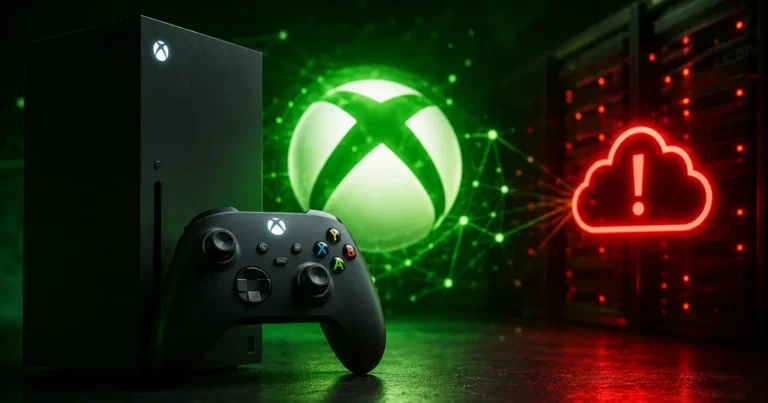
If your Xbox suddenly refuses to open a game you’ve played a hundred times, you’re not losing your mind. Something’s broken on Microsoft’s end, and a lot of people are dealing with it right now.
Reports have piled up fast, with more than 3,000 outage complaints hitting tracking sites at the peak. The common thread in almost every one of them is the same cryptic code: 0x87e107df.
So What’s Actually Happening?
Players are saying their games just won’t open. Doesn’t matter if it’s something you bought digitally or a Game Pass title you downloaded last week, it’s throwing the same wall in everyone’s face.
Here’s the weird part. People are still connected to Xbox Live. Signal’s fine, internet’s fine, but the games won’t launch anyway. A few users also mentioned they couldn’t change their Home Xbox settings, which is its own headache on top of everything else.
Nobody’s pinned down exactly how far this spread geographically. It’s just… happening, in a lot of places at once.
Microsoft hadn’t said much when reports started rolling in. No cause, no timeline for a fix. Even stranger, the official Xbox status page was showing everything as green and operational while people’s consoles were clearly not cooperating.
Also read: God Of War Laufey Release Date Confirmed for February 2027
What Does Error 0x87e107df Actually Mean?
Basically, your Xbox is trying to check in with Microsoft’s servers to confirm you’re allowed to play the game you already own. That’s how digital licensing works. Every time you launch a purchased title, there’s a quick handshake happening behind the scenes.
When that handshake fails, either because Microsoft’s servers are having a bad day or your own connection hiccups, the game just refuses to start. Even if it’s already sitting there fully installed on your console.
One silver lining: if you’ve got physical discs that don’t need extra license checks, those should still work fine.
Is There Anything You Can Actually Do?
First stop, check the official Xbox Status page yourself. Look specifically at Games and Gaming, Account and Profile, and Store and Subscriptions. If something’s flagged there, at least you know it’s not just you.
If the status page looks clean anyway, try the usual suspects: restart the console, unplug and replug your router, give it a minute. You can also run a network test through Settings, then General, then Network Settings.
Setting your console as your account’s Home Xbox can sometimes let owned digital games run offline, but this only helps if you already had that set up before things went sideways. Scrambling to configure it mid-outage generally won’t save you.
Also read: 5 Best Jurassic Park Games Every Fan Should Play
Why None of Your Troubleshooting Might Work
Here’s the annoying truth: none of that stuff fixes a server-side problem. Restarting your console, switching to offline mode, none of it reaches into Microsoft’s servers and repairs a broken license check.
When thousands of people are hitting the exact same error at the exact same time, that’s not a you problem. That’s an infrastructure problem, and the only real fix is waiting it out.
Whatever you do, don’t uninstall your games or run a factory reset while this is going on. Best case, you waste hours on a massive redownload later. Worst case, you’ve fixed nothing because the issue was never on your end to begin with.
And worth keeping in mind: those outage numbers come from user reports, not some official Microsoft tally, so the real scale of who’s affected is probably fuzzier than the headline figure suggests.
Got hit by error 0x87e107df yourself? Drop a comment below and let us know what platform and region you’re on, it helps other readers figure out just how widespread this thing really is. And bookmark this page, we’ll update it the moment Microsoft confirms a fix.