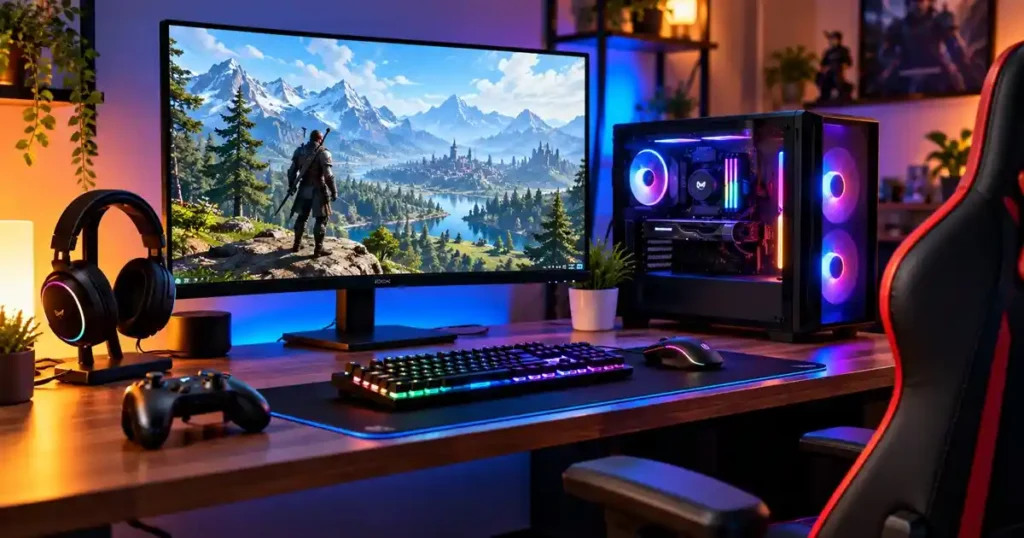

Want to build your own gaming setup but don’t have a big budget? Don’t worry. You don’t need an expensive gaming PC, a fancy chair, or a desk covered in RGB lights to enjoy your favorite games.
The key is knowing what to buy and what you can skip for now. Whether you want to play Fortnite, Valorant, Minecraft, or demanding single-player games, a well-planned budget gaming setup can give you a great experience without emptying your wallet.
In this guide, we’ll cover everything from choosing a PC or console to picking a monitor, keyboard, mouse, and other essentials. You’ll also learn where to save money, which upgrades are worth considering, and how to avoid common beginner mistakes.
1. Set Your Budget Before Buying Anything
Before you start shopping, decide how much you’re willing to spend on your entire setup. It’s easy to get carried away when you see powerful graphics cards, flashy keyboards, and gaming chairs with all the extras.
Remember, your budget needs to cover more than just the computer. You’ll also need a display, basic accessories, and somewhere comfortable to play.
Here are a few rough budget ranges to help you plan.
| Budget | What you can aim for |
|---|---|
| Under $300 | An existing PC or console with basic accessories |
| $300 to $600 | A used gaming PC or an entry-level setup, depending on local prices |
| $600 to $1,000 | A more capable 1080p gaming PC or a console setup with accessories |
These are planning estimates, not guaranteed prices for a complete new setup. Actual costs depend on your country, local deals, and the hardware you already own.
Here’s a simple way to save money: reuse what you can. If you already have a decent monitor, desk, or chair, there’s no reason to replace it just because you’re starting a gaming setup.
2. Should You Choose a Gaming PC or Console?
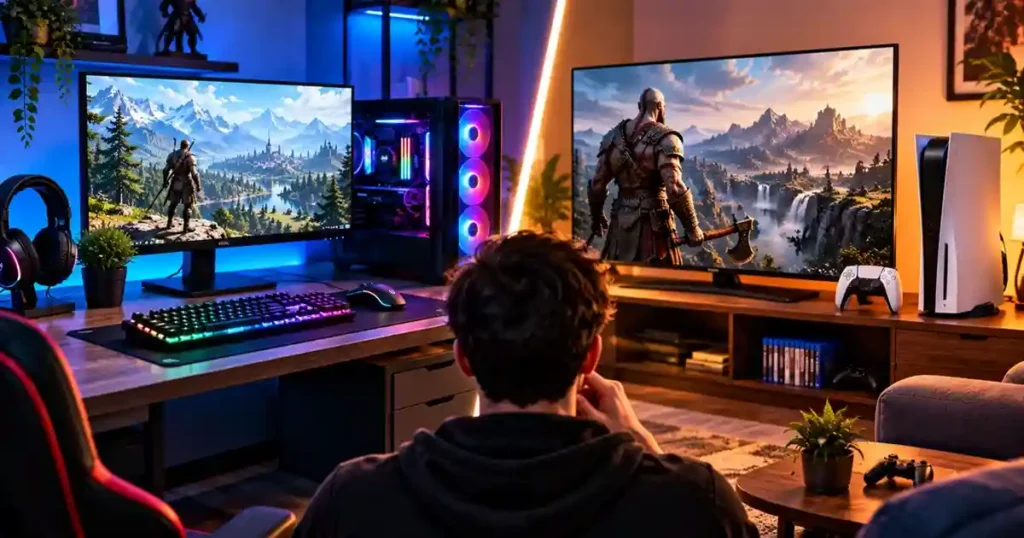
This is one of the first decisions you’ll need to make. Both options have advantages, and the right choice depends on the games you play and how much you’re willing to spend.
Gaming PC
A gaming PC is a good choice if you want more control over graphics settings, access to PC game stores, and the option to upgrade your hardware later.
It’s especially useful for competitive shooters, strategy games, simulation games, and titles that work best with a keyboard and mouse.
The downside? A capable gaming PC can take up a large part of your budget, especially if you need to buy the monitor and accessories separately.
Gaming console
A console is usually easier to get started with. Connect it to a compatible TV or monitor, install your games, and you’re ready to play.
You also don’t need to worry about choosing a processor, graphics card, motherboard, or power supply. However, remember to account for game prices, online subscriptions where required, and accessories.
Which one should you buy? If you want a straightforward gaming experience, a console may be the better fit. If you prefer flexibility and want to upgrade your hardware over time, consider a PC.
Compare the total cost of each option before making your decision.
3. Choose the Right Hardware for Your Budget Gaming PC
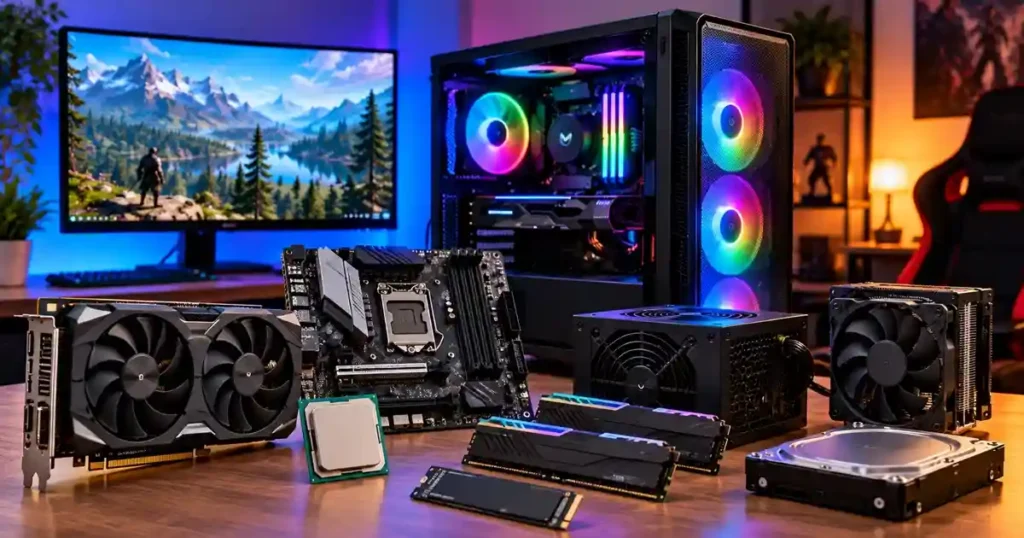
If you’ve decided to build or buy a gaming PC, don’t get distracted by every specification you see on a product page. Focus on the components that affect your gaming experience the most.
Graphics card: The component that matters most for gaming
The graphics card, also called the GPU, handles most of the work involved in rendering a game’s visuals. It has a major impact on frame rates, graphics quality, and the resolution you can play at comfortably.
For a budget gaming PC, 1080p gaming is a sensible starting point. It generally requires less graphics power than 1440p or 4K, making it easier to build an affordable system.
Before buying a graphics card, ask yourself:
- Which games do I want to play?
- Do I care more about high frame rates or better graphics?
- Can this card handle my preferred games at 1080p?
- Will it fit inside my PC case?
- Does my power supply support it?
Don’t choose a GPU based only on its name or memory capacity. Look for benchmarks showing how it performs in the games you actually want to play.
Processor: Don’t spend too much here
The processor, or CPU, handles game logic, calculations, and background tasks. If it’s too weak for your graphics card, it can limit performance in some games.
For a budget build, look for a processor that balances well with your GPU. You don’t need an expensive high-end CPU if spending less on the processor allows you to buy a much better graphics card.
Some processors also include integrated graphics. These can run lighter games without a separate graphics card, although performance varies widely between models.
This can be a useful way to start gaming now and add a dedicated GPU later.
RAM: Is 16GB enough?
For many budget gaming PCs, 16GB of RAM is a sensible starting point. It can handle a wide range of games, although some newer titles and multitasking workloads benefit from 32GB.
Check your motherboard’s memory type before buying. DDR4 and DDR5 aren’t interchangeable, so your RAM must match your system.
If you’re building a PC, follow the motherboard manual when installing your memory modules. Using two compatible sticks can improve memory performance on supported systems.
Storage: Get an SSD
Nobody likes waiting ages for a game to load. An SSD can make Windows start faster, reduce loading times in many games, and make your PC feel more responsive.
A 1TB SSD is a useful target if you plan to install several large games. If your budget is tight, a smaller drive can work, but check how much space your favorite games require.
You can choose between compatible SATA and NVMe SSDs. Compare their prices and specifications rather than assuming you need the most expensive option.
Motherboard and power supply
Your motherboard needs to support your processor, RAM, and storage. You don’t need a premium model with every extra feature if a cheaper board already meets your needs.
The power supply deserves just as much attention. Avoid unknown models with questionable specifications simply because they’re cheap.
Choose a reputable PSU with enough capacity and the right connectors for your components. A dependable power supply is worth prioritizing over decorative upgrades.
4. Pick a Monitor That Matches Your PC
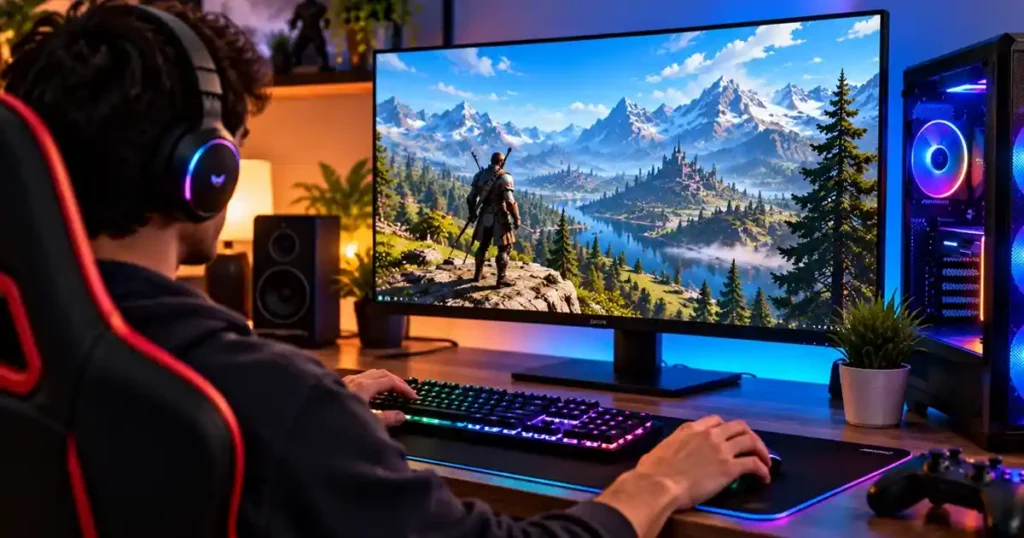
Your monitor can make a noticeable difference to how games look and feel. There’s little point in buying an expensive high-refresh-rate display if your PC can’t deliver the performance to take advantage of it.
For most beginners, a 24-inch, 1080p monitor is a practical starting point.
Here’s what to look for:
| Feature | What to consider |
|---|---|
| Resolution | 1920 × 1080 for an affordable setup |
| Refresh rate | 144Hz or higher if your budget allows |
| Panel type | IPS for good viewing angles and balanced colors |
| Adaptive sync | FreeSync or compatible variable refresh rate support |
| Screen size | Around 24 inches for a compact desk |
A 144Hz monitor can display more frames per second than a standard 60Hz display, provided your PC can produce enough frames. This can make movement feel smoother, particularly in competitive games.
Still, don’t buy a monitor just because its refresh rate looks impressive on the box. Check its image quality, response behavior, connectivity, and warranty, too.
A good 1080p monitor is often a better choice for a budget setup than a cheap display with specifications you won’t fully use.
5. Save Money on Your Gaming Accessories
You don’t need to spend a fortune on a keyboard, mouse, and headset. Start with reliable accessories and upgrade when you find something that genuinely bothers you.
Gaming mouse
For games like Valorant and Counter-Strike 2, a comfortable mouse with reliable tracking is more useful than an enormous DPI number.
Choose a shape that fits your hand. A wired mouse is often a good budget option because you don’t have to pay extra for wireless features or worry about charging it.
Keyboard
A basic keyboard works perfectly well for most games. Mechanical keyboards can feel different and offer useful features, but they’re not essential for beginners.
Look for a comfortable layout, reliable keys, and decent build quality. Save the expensive RGB keyboard for later if your budget is limited.
Headset
A wired gaming headset with a decent microphone is a practical choice for multiplayer games. It lets you hear what’s happening and communicate with teammates without buying a separate microphone.
Already have a pair of earphones? Try them first. You might find that they’re good enough for now.
Mouse pad
A simple cloth mouse pad gives your mouse a consistent surface. You don’t need an oversized RGB pad covering your entire desk.
Choose a size that suits your available space and the way you move your mouse.
6. Create a Comfortable Gaming Space
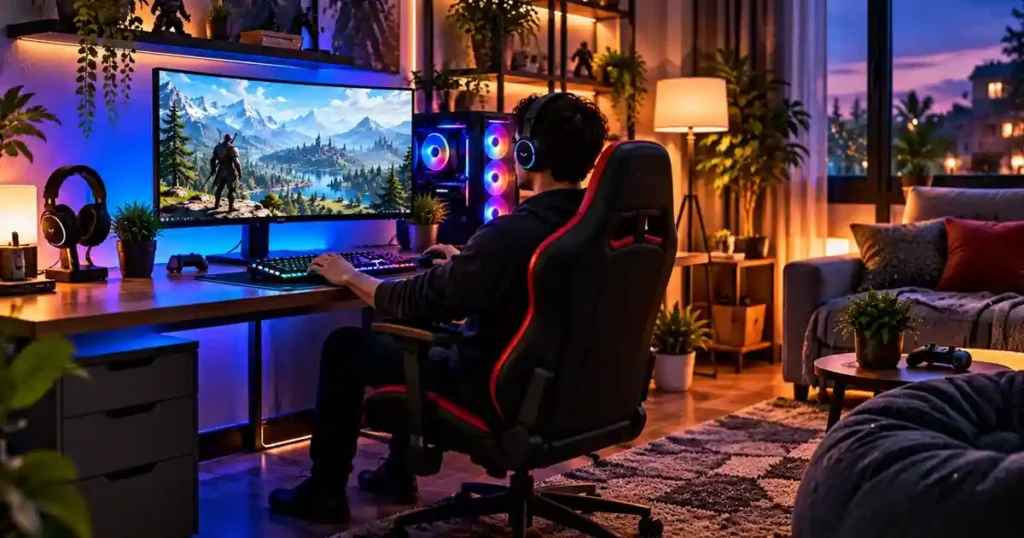
A good gaming setup doesn’t have to look like something from a professional esports tournament. A stable desk, comfortable chair, and sensible monitor placement will do more for your everyday experience than decorative lights.
Use the desk you already have
A regular study table or office desk can work perfectly well as a gaming desk. You just need enough room for your monitor, keyboard, mouse, and other essentials.
Before buying a dedicated gaming desk, see whether your existing table can do the job. Keep the surface tidy and make sure it doesn’t wobble when you’re playing.
Choose comfort over a flashy chair
Gaming chairs look cool, but they’re not a requirement. A comfortable office chair with proper back support can be an excellent alternative.
Look for a chair that lets your feet rest flat on the floor while keeping your back supported. Adjustable height and lumbar support are useful features if you spend several hours at your desk.
Don’t buy a chair just because it has a gaming logo or racing-style design. Comfort matters more.
Position your monitor properly
Place your monitor directly in front of you, with the top of the screen at or slightly below eye level. Adjust the viewing distance so you can read text comfortably without leaning forward.
A basic monitor stand or stable riser can help if your screen sits too low. You don’t need an expensive monitor arm unless you want the extra flexibility.
7. Know Where to Spend and Where to Save
When you’re building a budget gaming setup, some purchases make a much bigger difference than others.
| Item | Spend money on | Save money by |
|---|---|---|
| PC | Balanced CPU and GPU performance | Skipping unnecessary premium parts |
| Monitor | Good image quality and refresh rate | Starting with 1080p |
| Keyboard | Reliable keys and a comfortable layout | Choosing a basic model |
| Mouse | Comfort and accurate tracking | Ignoring inflated DPI claims |
| Headset | Clear audio and a usable microphone | Reusing existing earphones |
| Chair | Comfort and back support | Using a suitable office chair |
| Desk | Stability and enough space | Keeping your existing table |
| Lighting | Comfortable room lighting | Skipping decorative RGB strips |
One common mistake is spending too much on the PC case, lighting, or accessories before making sure the computer itself can run your favorite games.
Get the essentials right first. You can always make your setup look fancier later.
8. Should You Buy Used Gaming Hardware?
Buying used components can help you get better hardware for less money. Graphics cards, monitors, and complete gaming PCs can sometimes offer good value on the second-hand market.
However, don’t hand over your money without checking what you’re getting.
Before buying used hardware:
- Graphics card: Test it with a game or benchmark and look for crashes, visual glitches, or unusual fan noise.
- Processor and RAM: Confirm the specifications and check that the system runs without errors.
- SSD: Check its health and reported wear with a trusted drive-monitoring tool.
- Monitor: Look for dead pixels, flickering, uneven brightness, and damaged ports.
- Power supply: Check the exact model and its condition. Avoid questionable units.
- Complete PC: Run a game or benchmark and watch for overheating, crashes, or unexpected shutdowns.
Whenever possible, test the hardware before buying it. If you’re purchasing online, check the seller’s reputation, return policy, and warranty.
A used PC can be a smart purchase, but leave some money aside for unexpected repairs or upgrades.
9. Set Up Your PC for Better Gaming Performance
Once your hardware is ready, a few simple changes can help you get the most out of it.
Update your graphics drivers
Download graphics drivers from the official NVIDIA, AMD, or Intel website, depending on your hardware.
You should also install the necessary motherboard, audio, and network drivers from trusted sources. Avoid downloading driver packages from unfamiliar websites.
Adjust your graphics settings
You don’t need to run every game on Ultra settings. Start with the recommended preset and adjust it based on your frame rate.
If performance is poor, try lowering shadows, demanding lighting effects, or other graphics options that put extra pressure on your hardware.
You can also try supported upscaling technologies, such as AMD FSR, NVIDIA DLSS, or Intel XeSS, when your hardware and game offer them.
The goal is to find a balance between visual quality and smooth gameplay.
Check your monitor’s refresh rate
Some monitors don’t automatically use their maximum refresh rate.
On Windows, open Settings → System → Display → Advanced display and check the available refresh rates. Select the appropriate option for your monitor.
If your monitor supports adaptive sync, check its on-screen menu and graphics driver settings to see whether the feature is enabled.
Improve your internet connection
A stable internet connection matters in multiplayer games. You don’t necessarily need the fastest internet plan available, but frequent lag and packet loss can ruin a match.
If possible, connect your PC to the router using an Ethernet cable. If you use Wi-Fi, try moving your PC or router to improve signal strength.
Also, avoid running large downloads during competitive matches if they cause your connection to become unstable.
10. Upgrade Your Setup One Step at a Time
You don’t have to buy everything on day one. In fact, upgrading gradually is often the smartest approach when money is limited.
Start with a system that can run your favorite games. Once you’ve used it for a while, you’ll have a better idea of what needs improvement.
Here’s a practical upgrade order:
- Get the essentials working. Make sure you have a capable PC or console, a display, and basic controls.
- Identify performance problems. Check whether the CPU, GPU, RAM, or storage is holding your system back.
- Improve comfort. Upgrade your chair, desk arrangement, or monitor if they make long gaming sessions uncomfortable.
- Add optional extras. Consider RGB lighting, wireless accessories, monitor arms, and other upgrades once the important stuff is covered.
This order isn’t set in stone. If your PC already runs games well but your chair is uncomfortable, fixing the seating situation may be the better move.
The important thing is to spend money on problems you actually have, not features you think you might need someday.
11. Common Budget Gaming Setup Mistakes
Even with a limited budget, you can avoid several mistakes that lead to wasted money.
Buying a PC without checking game requirements
Not every computer advertised as a gaming PC can run every modern game well. Check the minimum and recommended requirements for the games you want to play.
Spending too much on RGB
RGB lighting can look great, but it won’t improve your frame rate. Get your hardware and comfort right before buying decorative extras.
Choosing an unreliable power supply
A cheap, poorly made PSU can cause stability problems and create safety risks. Choose a reputable model rather than gambling on an unknown brand.
Buying a monitor your PC can’t take advantage of
A high-resolution, high-refresh-rate monitor can be excellent, but make sure your hardware can deliver the performance you want.
Forgetting hidden costs
Don’t forget about cables, adapters, shipping, operating system licensing where needed, and other small expenses. They can add up quickly.
Buying everything at once
You don’t need a perfect setup immediately. Start with the basics, use them for a while, and upgrade when you know what would make the biggest difference.
Frequently Asked Questions
How much does a beginner gaming setup cost?
It depends on your platform and the equipment you already own. A setup built around existing hardware can be very affordable, while a complete new gaming PC setup may cost several hundred dollars or more. Plan for the PC, monitor, accessories, and other essentials together.
Is a gaming PC better than a console?
A PC offers more customization, upgrade options, and access to PC games. A console is generally easier to set up and use. The better choice depends on your budget, favorite games, and how much flexibility you want.
Is 16GB RAM enough for gaming?
Yes, 16GB is a reasonable starting point for many budget gaming PCs. Some demanding games and multitasking workloads benefit from 32GB, so check the requirements of the games you play.
Do I need a gaming chair?
No. A comfortable office chair with suitable back support can work just as well. Focus on comfort, seating height, and support rather than the gaming label.
Is a 144Hz monitor worth buying?
A 144Hz monitor can make movement look smoother than a 60Hz display, especially in competitive games. It’s worth considering if the price fits your budget and your PC can produce enough frames to benefit from it.
Should I buy a used gaming PC?
A used PC can offer good value if its hardware is suitable and its condition is verified. Test it before purchasing, check the warranty or return policy, and keep some money aside for possible repairs.
Can I build a gaming setup without RGB?
Absolutely. RGB lighting is optional. A reliable PC, comfortable chair, good monitor, and responsive controls matter much more to your gaming experience.
What should I upgrade first on a budget gaming PC?
Start by finding the biggest limitation in your current setup. It might be the graphics card, but it could also be insufficient storage, an unsuitable monitor, or uncomfortable seating. Check the problem before spending money.
Conclusion
Building a budget gaming setup doesn’t mean settling for a bad gaming experience. It means being careful about where your money goes.
Start by choosing the right platform, then focus on balanced hardware, a decent monitor, and comfortable accessories. Reuse what you already own, compare prices, and don’t spend extra on features you won’t use.
You can always upgrade later. A simple setup that runs your favorite games well is a great starting point, and there’s no need to build your dream gaming station overnight.
Follow GamerUrge for more gaming guides, hardware tips, reviews, and the latest gaming news.