Moved to a new country recently? Or maybe you just noticed your Roblox account is stuck showing the wrong region. Either way, you’ve probably typed “how to change account location on Roblox” into Google and landed here.
Good news. You’re about to get a straight answer, not a runaround.
There’s No “Change Location” Button. Sorry.
Let’s rip the band-aid off first. Roblox does not have a settings menu where you pick your country from a dropdown and hit save.
That feature simply doesn’t exist. No toggle, no switch, nothing.
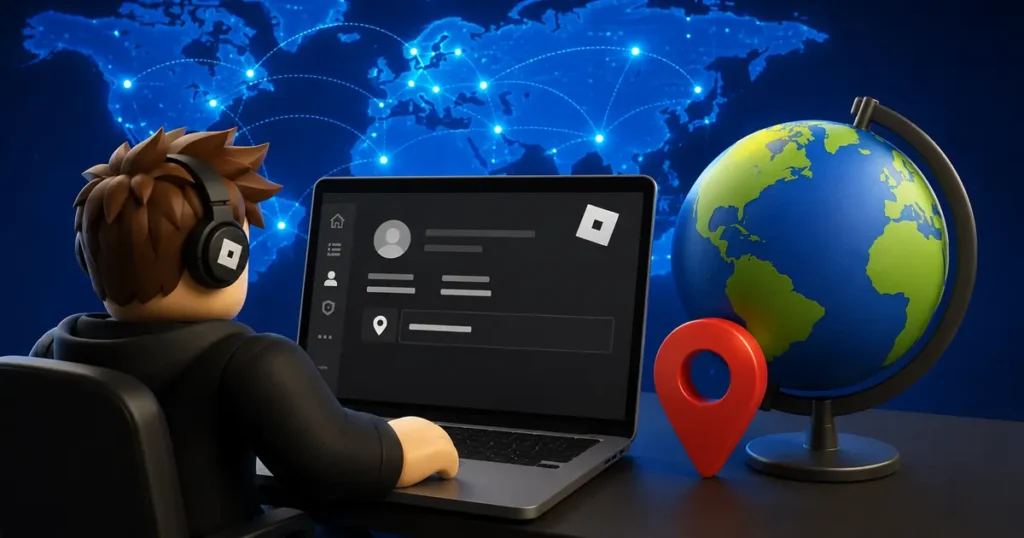
Instead, Roblox figures out your location on its own. It looks at signals like your IP address and general activity over time. You can check what it currently thinks your location is by heading to Settings and then Account Info.
So How Does Roblox Actually Decide Your Location?
Roblox relies mostly on your network connection. Your IP address is the biggest clue the platform uses to guess where you’re playing from.
If you’re on a VPN, that can throw things off. Roblox has said VPN use can affect the accuracy of your detected location, for better or worse depending on what you’re trying to do.
Some players and tech blogs also point to your payment method as a factor. The country tied to your credit card or PayPal account may influence what region Roblox assumes you’re in, especially if you’ve made purchases before.
Also read: Roblox Error Code 403: How to Fix Authentication Failed
Why Does Your Account Location Even Matter?
This isn’t just a random label sitting in your profile. Your account location can affect real things, like:
Which currency you see when buying Robux.
What ads and featured content show up for you.
Whether you can access certain region-locked experiences or events.
If your account is stuck on an old country after a move, you might notice pricing in the wrong currency or games that just won’t load.
If You Actually Moved, Here’s What To Do
If your relocation is permanent, the simplest fix is patience. Roblox says it needs some time and consistent activity from your new location before it updates things automatically.
Keep logging in and playing normally from your new country. Making a purchase can sometimes speed this along, since payment pages tend to trigger a fresh location check.
If nothing changes after a good stretch of time, your next move is reaching out to Roblox Support directly. Explain that your account location doesn’t match where you actually live, and let their team take it from there.
Avoid sending more personal info than necessary. A clear, honest explanation is usually enough.
Also read: Roblox Error Code 288 Explained: Easy Fixes That Actually Work
What About VPNs?
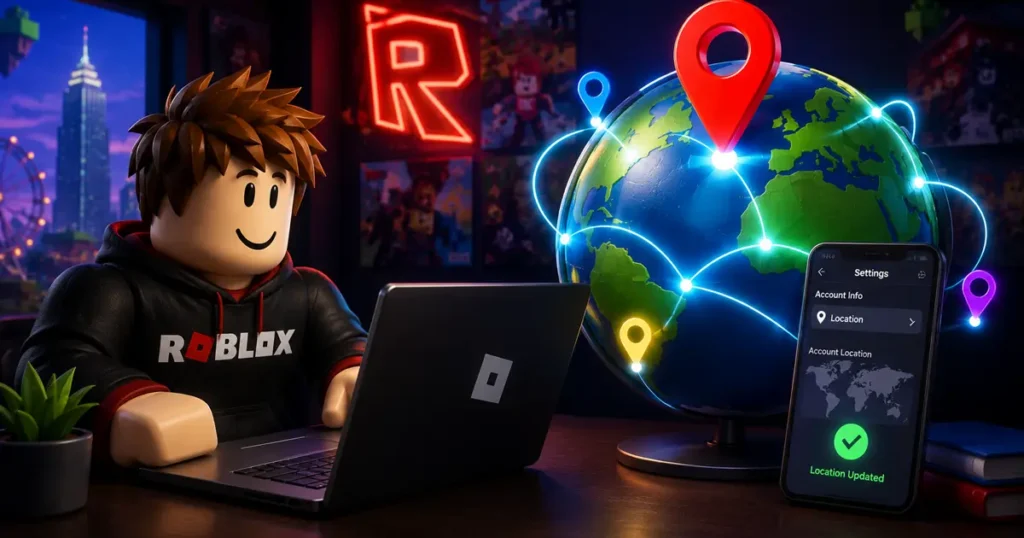
You’ll see a lot of guides online pushing VPNs as the fix, and it’s true that a VPN can make it look like you’re browsing from a different country. That can help with accessing region-locked games or content temporarily.
But here’s the catch. A VPN doesn’t actually update your real account location on Roblox’s end. It’s a temporary mask, not a permanent fix.
Jumping between VPN servers in different countries too often can also raise red flags. Roblox may flag frequent location switching as suspicious login activity, which is the last thing you want if you’re trying to keep your account safe.
If you’re just curious about checking out a region-locked experience for a bit, a VPN can work in a pinch. But don’t expect it to solve a genuine location mismatch.
Also read: How To Add People As Trusted Connections on Roblox
Wrong Location Because Roblox Got Banned In Your Country?
Some players search for this fix because their country has restricted or banned Roblox outright, not because they moved.
If that’s your situation, the calculation is a little different. You’re not correcting a mistake. You’re trying to keep access to an account you’ve already built.
In cases like that, a stable VPN connection tends to be the more realistic short-term option, since there’s no “wrong location” to officially correct with Roblox Support.
The Bottom Line
There’s no shortcut or hidden menu for changing your Roblox account location. It updates on its own based on your IP and activity, and the official path for a real move is contacting Roblox Support and giving the system time to catch up.
VPNs can help in a pinch, but treat them as a temporary workaround rather than a real fix.
Got a Roblox account stuck on the wrong region? Try logging in consistently from your actual location first before reaching out to support, it might just sort itself out.
Got questions about Roblox account settings or ran into a different issue? Drop a comment below and let us know what’s going on. We’re always digging into the platform’s quirks so you don’t have to.
FAQ
Q. Can I manually change my Roblox account location?
A. No. Roblox does not provide a manual option to change your account country or region in Settings.
Q. How does Roblox detect my location?
A. Roblox mainly uses your IP address and may also consider account activity and payment information.
Q. Why is my Roblox account showing the wrong country?
A. This can happen after moving to another country, using a VPN, or if Roblox hasn’t updated your location yet.
Q. Does using a VPN permanently change my Roblox location?
A. No. A VPN only changes your apparent internet location temporarily and does not permanently update your Roblox account region.
Q. How long does Roblox take to update my location?
A. There is no official timeframe. Continued use from your new country may eventually update your detected location.
Q. Should I contact Roblox Support?
A. Yes. If your account still shows the wrong country after consistently using Roblox from your new location, contact Roblox Support.