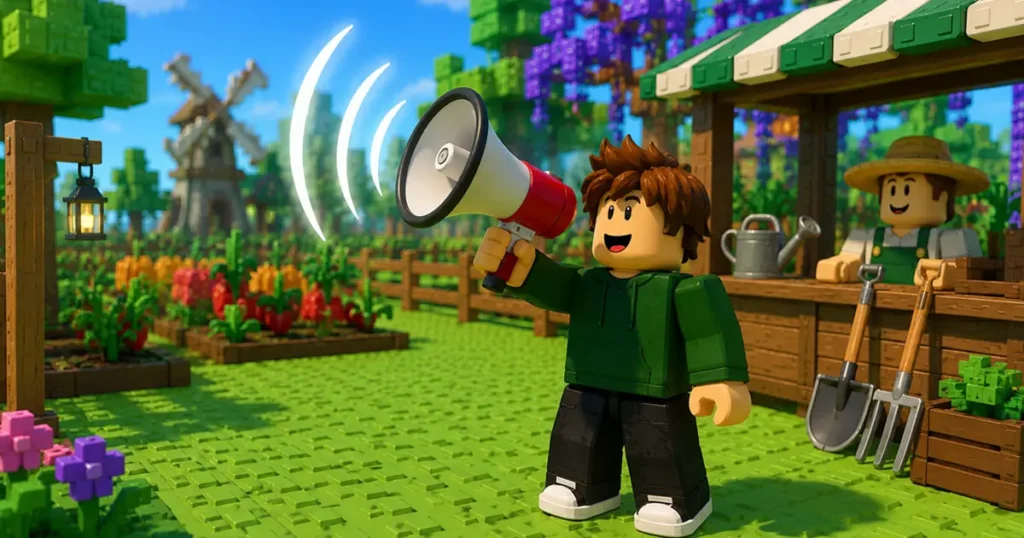

The Megaphone is easily one of the most fun gear items added to Grow a Garden 2. Instead of helping your crops grow, this gadget lets you blast music across the entire server using custom Roblox audio codes.
Whether you want to play viral meme sounds, classic Roblox tracks, or simply troll your friends, the Megaphone makes it possible. Better yet, it’s a permanent unlock once you buy it.
Here’s everything you need to know about getting the Megaphone, setting it up, and the best Roblox music codes to try.
How to Get the Megaphone in Grow a Garden 2
If you enjoy making your presence known before visiting another player’s garden, the Megaphone is worth picking up. The gear is always available in the Gear Shop, so you don’t have to wait for it to restock.
The best part is that it only costs 8,000 Sheckles, making it one of the most affordable permanent gear items in the game.
Follow these steps to unlock it:
- Click the Seeds or Sell button to teleport to the central lobby.
- Walk over to the Gear Shop.
- Talk to George behind the Gears counter.
- Scroll through the shop until you find the Megaphone.
- Spend 8,000 Sheckles to purchase it.
- The Megaphone is permanently added to your inventory after purchase.
Once you’ve bought it, you’ll never need to purchase it again.
Also read: Grow a Garden 2 Gnome Guide: How to Get It and What It Does
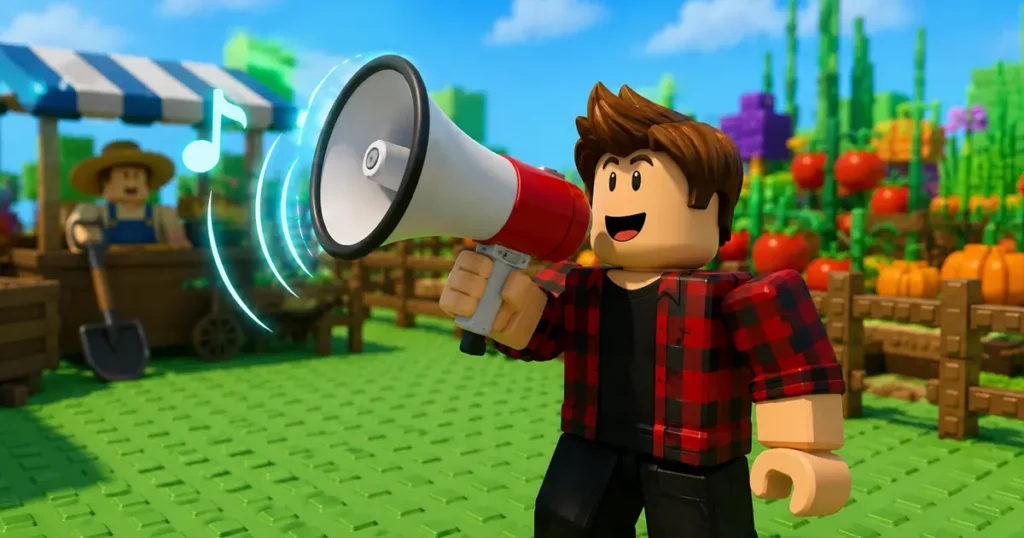
How to Use the Megaphone in Grow a Garden 2
After purchasing the gear, you’ll need to equip and configure it before you can start playing music.
Here’s how:
- Equip the Megaphone from your hotbar.
- You can also visit the Gear Shop and press the Equip button beneath the Megaphone.
- Once equipped, click the Gear button on your screen.
- Enter a valid Roblox Music ID in the Song ID field.
- Press Enter to save it.
- Adjust the Megaphone volume from the same menu or through the game’s main settings if needed.
After that, your selected audio will play through the Megaphone for everyone nearby to hear.
Best Grow a Garden 2 Megaphone Music Codes
There isn’t a single “best” song to use with the Megaphone. It all depends on what you enjoy playing.
Some players love meme sounds, while others prefer game themes or classic internet hits. If you frequently switch songs, keeping a list of Roblox music codes bookmarked can save you time.
Here are some of the best music IDs to try:
| Song | Roblox Music ID |
|---|---|
| Noisestorm – Crab Rave | 5410086218 |
| Raining Tacos | 142376088 |
| Tokyo Drift | 1837015626 |
| Windows XP Theme | 1626996526 |
| Whatcha Say | 168208965 |
| Stadium Rave (SpongeBob SquarePants) | 1846368080 |
| Spooky Scary Skeletons | 515669032 |
| You’ve Been Rick Rolled | 7363412529 |
| Better Call Saul Theme | 9106904975 |
| Elevator Music | 9119119619 |
Try a few different tracks and see which one gets the biggest reaction from other players.
Also read: Grow a Garden 2 Weather Events Guide: Don’t Miss These Rare Boosts
Is the Megaphone Worth Buying?
For just 8,000 Sheckles, the Megaphone offers plenty of entertainment without requiring a huge investment.
Unlike many gear items that focus on farming efficiency, this one is all about having fun with friends and making your garden stand out. Since it stays in your inventory permanently, it’s a worthwhile purchase if you enjoy customizing your gameplay experience.
Frequently Asked Questions
Q. How much does the Megaphone cost in Grow a Garden 2?
Q. Can I change the music played through the Megaphone?
Q. Is the Megaphone a permanent item?
Final Thoughts
The Megaphone is one of the most entertaining gear items in Grow a Garden 2. It gives players the freedom to play custom Roblox music, joke around with friends, or simply add some personality to their garden. Considering its low price and permanent unlock, it’s an easy pickup for almost any player.
Have you unlocked the Megaphone yet? Which Roblox music code is your favorite? Let us know in the comments, and be sure to check out our latest Grow a Garden 2 guides for more tips, gear walkthroughs, and update coverage.