
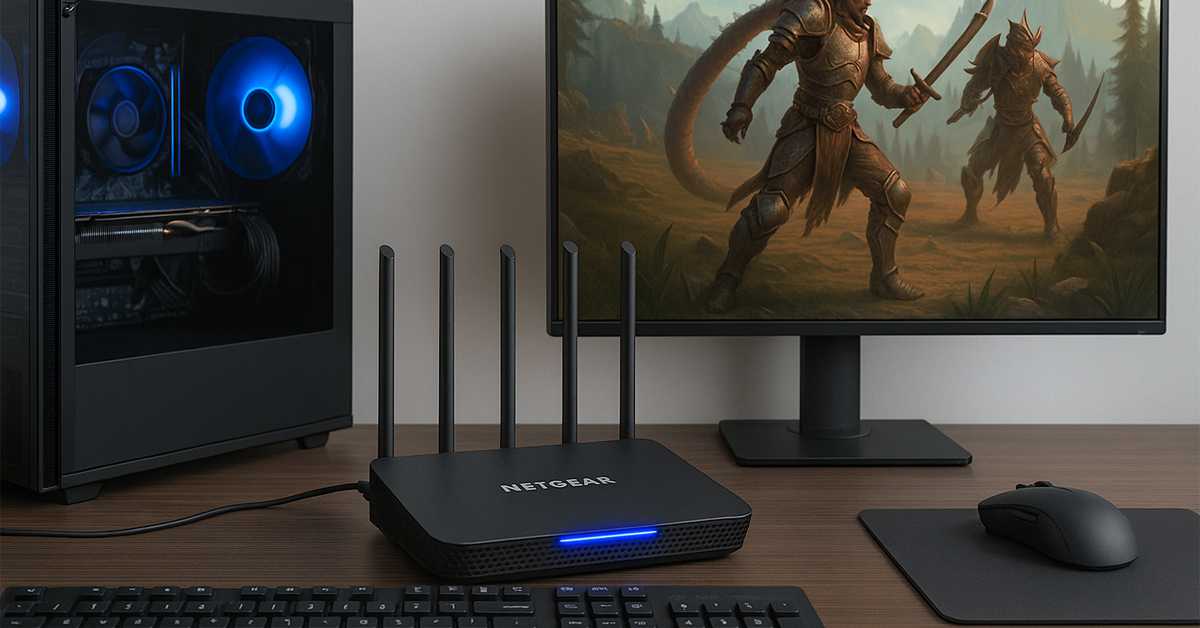
You’re in the middle of an intense online match – your team’s counting on you – and suddenly, your screen freezes for a few seconds. By the time it unfreezes, your character’s knocked out, and your teammates are yelling in chat. Sound familiar?
Lag is every gamer’s worst nightmare. Whether you play on a console, PC, or even a mobile device, network performance can make or break your gaming experience. But here’s the good news: you don’t need to be a tech wizard to fix it.
Let’s walk through seven simple ways to boost your home network and enjoy seamless, lag-free online gaming every time you play.
7 Easy Fixes for Lag Free Online Gaming
1. Switch to a Wired Ethernet Connection
If you’re serious about gaming, Wi-Fi should be your backup, not your main connection.
Wireless networks are convenient, but they’re prone to interference from walls, neighboring networks, and even household gadgets like microwaves. A wired Ethernet connection, on the other hand, provides a stable, direct link between your gaming device and router.
Plug your PC, console, or gaming laptop directly into your router using a Cat 6 or Cat 7 Ethernet cable. These cables support faster speeds and lower latency, giving you that extra edge during online matches.
If running a long cable isn’t practical, consider a powerline adapter, which uses your home’s electrical wiring to transmit data – it’s not as perfect as Ethernet but still better than Wi-Fi.
2. Position Your Router Strategically
Router placement makes a bigger difference than most people realize.
Ideally, your router should sit in a central, elevated, open area – not stuffed inside a cabinet or tucked behind your TV. Avoid placing it near thick walls, metal surfaces, or electronic appliances that might cause signal interference.
If your gaming setup is in another room, you can use Wi-Fi range extenders or mesh systems to spread your signal evenly across the house. Mesh systems like the Google Nest Wi-Fi or TP-Link Deco series work especially well for large homes.
Just remember: even the best router can’t perform miracles if it’s hidden behind a pile of books or furniture.
3. Upgrade to a Modern Router
Routers age faster than you think. If yours is more than four or five years old, it’s probably slowing you down.
Modern routers support Wi-Fi 6 (802.11ax) or even Wi-Fi 6E, offering faster speeds, wider coverage, and better handling of multiple connected devices. That means your gaming rig won’t have to fight your smart TV or smartphone for bandwidth.
Look for gaming-optimized routers like the ASUS ROG Rapture GT-AX6000 or Netgear Nighthawk XR1000. They come with built-in QoS (Quality of Service) features designed specifically for gaming traffic, ensuring your ping stays low even when others in your household are streaming or downloading.
Pro Tip: Before upgrading, log in to your router’s admin panel and check for firmware updates. Sometimes, a simple update can fix performance bugs and improve speed without spending a dime.
4. Prioritize Gaming Traffic with QoS
Ever notice your ping spike when someone else starts watching Netflix or downloading a huge file? That’s where Quality of Service (QoS) comes in.
QoS allows you to prioritize gaming traffic over other data streams on your network. Most modern routers have this feature built-in – you just need to enable it in the settings.
Once activated, the router ensures your game packets get top priority, minimizing lag and maintaining smooth gameplay even if your network is busy.
If you use a gaming router, the process is even simpler – some models automatically detect gaming traffic and optimize it without manual setup.
5. Reduce Network Congestion
You might not realize how many devices are connected to your network right now. Phones, smart TVs, tablets, speakers, cameras, even smart bulbs – they all compete for bandwidth.
When too many devices are active, your gaming connection suffers.
To fix this:
- Disconnect idle devices that don’t need internet access while you’re gaming.
- Pause background downloads or updates on PCs and consoles.
- Use guest Wi-Fi networks for visitors to prevent them from hogging your main bandwidth.
Also, keep your gaming sessions free from cloud backups or large file transfers. Your network will thank you.
6. Optimize Your DNS Settings
Sometimes, the lag isn’t from your internet speed – it’s from your DNS server (the system that translates website names into IP addresses).
Your ISP’s default DNS might not be the fastest option. Switching to a faster public DNS like Google DNS (8.8.8.8) or Cloudflare DNS (1.1.1.1) can improve connection times to gaming servers.
To do this:
- Open your router’s admin panel or device network settings.
- Replace the DNS addresses with one of these public options.
- Save and restart your device or router.
For a detailed walkthrough, Cloudflare’s DNS setup guide shows you how to make the change on various platforms.
It’s a small tweak that can shave precious milliseconds off your ping – and in competitive gaming, that matters.
7. Regularly Reboot and Maintain Your Network
Like any tech device, routers and modems benefit from an occasional restart. Over time, memory leaks and software bugs can build up, slowing your network.
Reboot your router once every couple of weeks to clear its cache and refresh connections. It’s a simple fix that can instantly improve stability.
Also:
- Check for firmware updates regularly.
- Clean dust and ensure proper ventilation to avoid overheating.
- If possible, schedule restarts during off-hours so you don’t interrupt your gaming sessions.
Maintenance doesn’t take long, but it keeps your setup running smoothly.
Bonus Tip: Check Your Internet Plan
Before blaming your network setup, make sure your internet plan actually supports gaming.
For smooth online play, you generally need:
- At least 25 Mbps for downloads
- At least 5 Mbps for uploads
- Ping below 50 ms for most multiplayer games
If your speeds consistently fall short, contact your ISP or consider upgrading to a higher-tier plan. Fiber-optic connections are the gold standard for gaming, offering consistent speeds and minimal latency.
Final Thoughts
Lag-free gaming doesn’t require expensive gear or complicated setups. Most of the time, simple adjustments like repositioning your router, switching cables, or enabling QoS can make a world of difference.
Whether you’re streaming high-end titles or grinding ranked matches online, optimizing your home network ensures every millisecond counts – literally.
So take a few minutes today to apply these fixes. Your future self (and your teammates) will thank you when your next gaming session runs buttery-smooth.