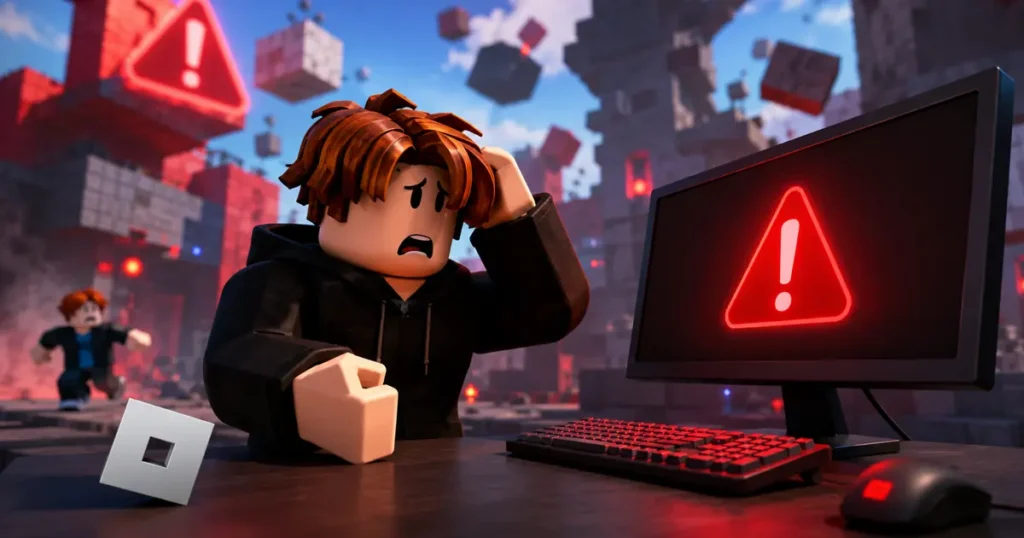

Getting kicked out of a Roblox game is frustrating, especially when you are greeted with Error Code 288. Since Roblox displays very little information about the error, many players assume there is something wrong with their internet connection or computer.
Fortunately, that is usually not the case.
In most situations, Roblox Error Code 288 is a server-side issue, meaning the game server you were playing on has been shut down. While there are a few things you can try on your end, the problem is often outside your control.
Here is everything you need to know about Roblox Error Code 288, including what causes it and the best ways to deal with it.
What Is Roblox Error Code 288?
Roblox Error Code 288 typically appears with the following message:
“The server has shut down (Error Code: 288).”
This message means the game server, also known as the server instance, is no longer running. Once the server shuts down, every player connected to it is automatically disconnected.
Unlike Roblox Error Code 279 or Error Code 280, this error usually does not point to problems with your internet connection, PC, or Roblox installation. Instead, it is generally caused by something happening on the server itself.
Also read: How to Fix Roblox Error Code 9007
Why Does Roblox Error Code 288 Happen?
There are several confirmed reasons why this error appears. Most of them originate from the game server rather than the player’s device.
1. The Game Developer Restarted the Server
One of the most common causes is a server restart initiated by the game’s developer.
Developers often shut down servers when they:
- Release a new update
- Deploy bug fixes
- Perform maintenance
- Restart game instances
If you happen to be playing during one of these updates, Roblox disconnects everyone from that server and displays Error Code 288.
2. Roblox Automatically Shut Down the Server
Sometimes the shutdown is not triggered by the game’s developer.
Roblox automatically manages millions of game servers every day. To keep everything running smoothly, the platform occasionally closes older or inactive server instances as part of its infrastructure management.
When this happens, players connected to that server may receive Error Code 288 before being disconnected.
3. The Server Lost Connection to Roblox Services
Game servers constantly communicate with Roblox’s backend services.
If a server can no longer report important information such as player activity or heartbeat data, Roblox may determine that the server is no longer functioning correctly and shut it down automatically.
In these situations, players are removed from the server and shown Error Code 288.
4. The Experience Was Set to Private
Some Roblox creators temporarily make their games private while testing updates or fixing issues.
If this happens while you are already inside the experience, the current game server may shut down, resulting in Error Code 288.
5. Server-Side Bugs or Crashes
Several Roblox developers have reported Error Code 288 occurring because of issues inside their own games.
These problems may include:
- Memory leaks
- Excessive server memory usage
- Script errors
- Unexpected server crashes
Once these server issues are resolved, Error Code 288 usually disappears.
Also read: How to Enable Voice Chat in Roblox
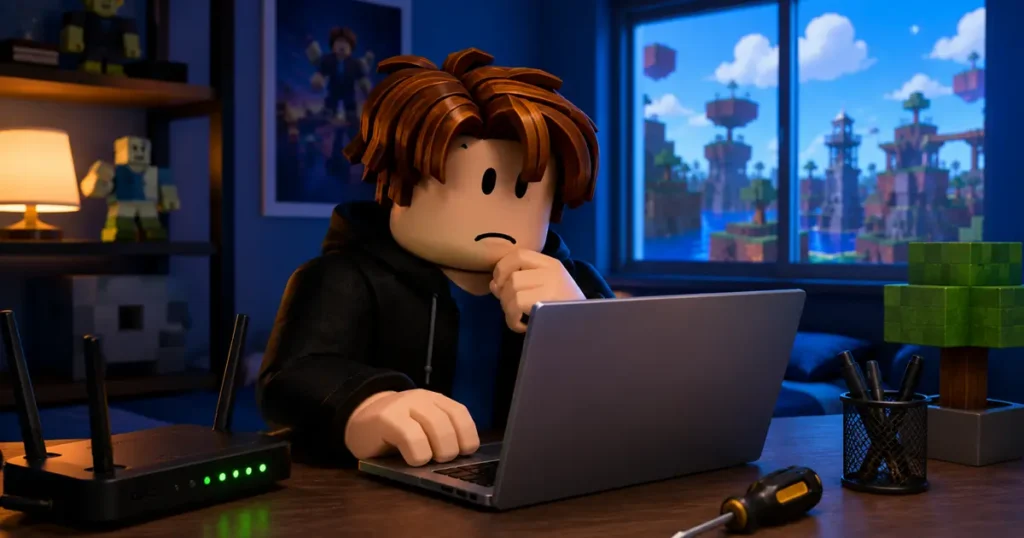
Is Roblox Error Code 288 Caused by Your Internet?
Most of the time, the answer is no.
Unlike connection-related errors, Roblox Error Code 288 generally indicates that the game server has stopped running. Your internet connection may still be working perfectly.
This also means that restarting your Wi-Fi router or reinstalling Roblox rarely fixes the issue because the problem is happening on the server, not on your device.
How to Fix Roblox Error Code 288
Although the issue is usually server-related, there are still a few things you can try.
Rejoin the Game
The easiest solution is to leave the game and join again.
Roblox will often place you into a different server that is working normally.
Join Another Server
If the game offers multiple public servers, manually switching to another one can solve the problem immediately.
Wait a Few Minutes
If the developer is pushing an update or restarting servers, the issue is often temporary.
Waiting five to ten minutes before joining again is usually enough.
Check Roblox Server Status
If Error Code 288 starts appearing across multiple games, Roblox itself may be experiencing service issues.
Checking the official Roblox Status page can help you confirm whether the platform is dealing with an outage or ongoing maintenance.
Update Roblox
While this error is rarely caused by an outdated client, keeping Roblox updated is still a good idea.
Installing the latest version helps eliminate compatibility problems and ensures you are using the newest features and fixes.
Restart Your Device
Restarting your PC, Mac, phone, or console is another simple troubleshooting step.
Although it probably will not fix a server shutdown, it can clear temporary issues that may be affecting Roblox.
Reinstall Roblox
If Error Code 288 continues to appear across several different experiences, reinstalling Roblox may be worth trying.
A fresh installation can repair corrupted game files, even though it is not the most common solution for this specific error.
Common Myths About Roblox Error Code 288
There are plenty of misconceptions surrounding this error.
Here are some of the biggest ones.
1. Myth: You were banned.
False. Error Code 288 does not mean your Roblox account has been banned or suspended.
2. Myth: Your internet is broken.
Usually false. The error is generally caused by a server shutdown rather than a connection problem.
3. Myth: Reinstalling Roblox always fixes it.
False. Reinstalling may help in rare situations, but most Error Code 288 cases are tied to server-side issues.
4. Myth: Your account is corrupted.
False. There is no evidence that Error Code 288 is linked to account corruption or player data.
What Should Roblox Developers Do?
If players are repeatedly reporting Error Code 288, developers should investigate the health of their game servers.
Areas worth checking include:
- Server memory usage
- Script performance
- Unexpected crashes
- Backend connectivity
- Creator Dashboard analytics
- Infrastructure-related issues
Resolving server-side problems is often the key to preventing recurring Error Code 288 errors.
Also read: Grow a Garden 2 Megaphone Guide: How to Get It
Final Thoughts
Roblox Error Code 288 can be annoying, but it is usually nothing to worry about. In most cases, the error simply means the game server you were connected to has been shut down because of an update, maintenance, an automatic server restart, or another server-side issue.
The best solution is often the simplest one. Rejoin the game, switch to another server, or wait a few minutes for the developer or Roblox to bring new servers online.
If the error keeps appearing across multiple games, checking Roblox’s server status and making sure your client is up to date can help rule out any issues on your end.
Frequently Asked Questions
What does Roblox Error Code 288 mean?
Can I fix Roblox Error Code 288?
Is Roblox Error Code 288 caused by bad internet?
Does Error Code 288 mean I was banned?
Why does Error Code 288 keep happening?
Found this guide helpful? Bookmark this page and check back for more Roblox error code guides, game fixes, and the latest Roblox news. If you know another solution that worked for you, share it in the comments to help other players.